Creating a Character
Build your own AI companion from scratch with the guided character creator — a step-by-step walkthrough of every option, from style to personality to her first image.
The character creator lets you build a completely custom AI companion — her looks, personality, voice, and backstory — then bring her to life with her first image. It's a guided wizard: make a series of choices, and she takes shape as you go.
Where to start#
Open the creator from New Character in the sidebar, or head straight to /create-character. You can also start from Fresh Start at the top of My Characters.
You don't need an account to start building. You can go through every step signed out; when you're ready to generate her first image you'll be asked to sign up, and your choices carry over.
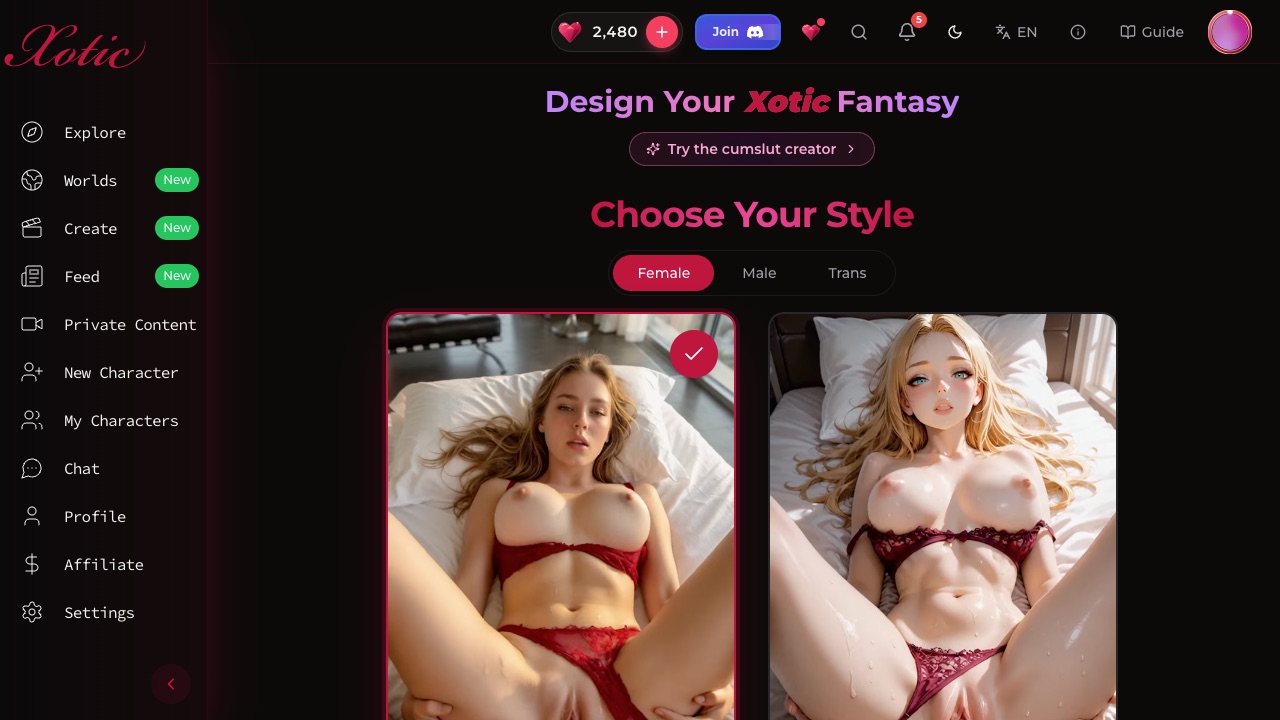
The six steps#
The creator walks you through six steps, in order:
- Style & gender — Realism or Anime, and Female, Male, or Trans.
- Details — ethnicity, age, and skin tone.
- Appearance — eye color, hair color, and hairstyle.
- Body — body type and proportions.
- Personality, voice & details — her name, fantasy theme, nationality, personality, voice, kinks, hobbies, and backstory.
- Generate her image — pick an engine and outfit, bring her to life, and choose her look.
Steps 1–4 are covered in Style, appearance & body, step 5 in Personality, voice & details, and step 6 in Generating her image.
Every option on the first four steps is a picture card, so you can see what you're choosing before you tap it.
Your progress is saved#
The creator autosaves as you go, so you can leave and come back without losing your work. Pick up where you left off with Continue Draft on My Characters, or reset everything with Clear Progress & Start Fresh at the bottom of the creator.
Let AI do the heavy lifting#
You don't have to fill in every field by hand. On the personality step, Randomize Using AI builds a complete, coherent personality for you in one tap. Inside Advanced Options, her backstory, one-line hook, opening message, and outfit each have their own AI Fill button. Use them as a starting point and tweak from there.
A guided shortcut for subscribers#
Subscribers also see a Try the cumslut creator link under the page title (on the Female and Trans tabs). It's a quicker, guided alternative: answer a few questions and AI assembles the character for you. This guide covers the full manual creator.
What's allowed#
When you continue past the personality step, everything you've written (name, personality, backstory, and so on) is checked against our content rules before any image is generated. Characters based on real people (public figures) and other disallowed content are stopped here with a Character not allowed message. Fix what was flagged and continue. Every character must be an adult. See Privacy & safety.
When she's done#
When you finish, you land on My Characters with a welcome card telling you she's ready. From there you can:
- Start Chatting — open your first conversation with her.
- Generate Content — jump into Create with her already selected, to make more images and videos.
- Explore all characters — browse the community.
- Stay on My Characters — close the card and look around.
Ready? Start with Style, appearance & body.